
Introduction
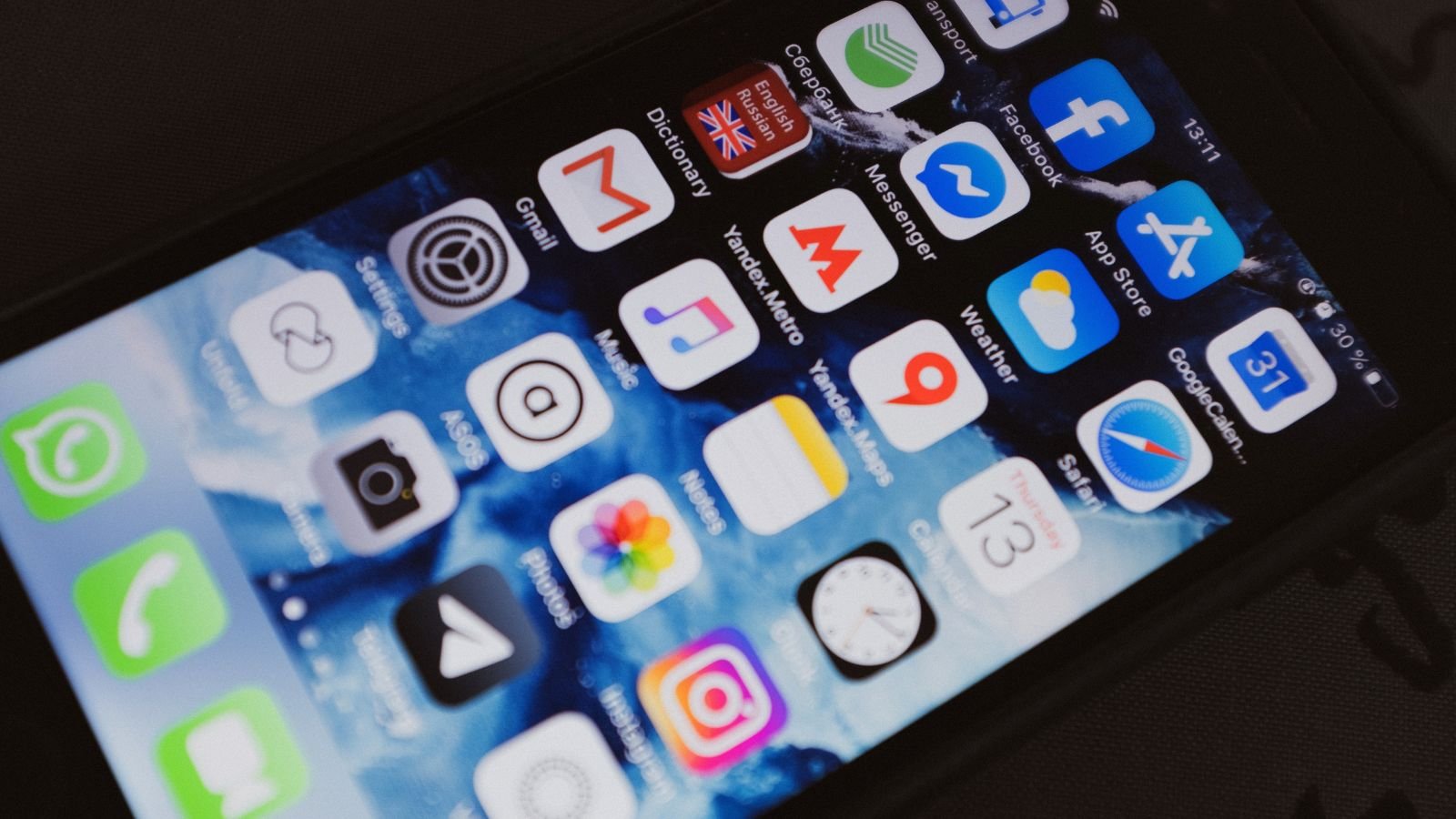
The App Store is packed with AI apps promising to make your life easier, but most iPhone users only need a handful that actually earn a permanent spot on the Home Screen. In 2026, the strongest options are largely made by the companies building the underlying models — OpenAI, Anthropic, Google, Perplexity, and Apple itself — plus a few specialist tools for writing, photo editing, and note-taking that do one job exceptionally well.
This guide breaks down the best AI apps for iPhone by category, so you can pick the ones that actually match what you do on your phone instead of installing five overlapping chatbots.
Best All-Around AI Assistant: ChatGPT
ChatGPT remains the most widely used AI app on iPhone, and for good reason. It handles a huge range of everyday tasks in one place — drafting messages and emails, summarizing long articles, answering questions, generating images, and holding natural voice conversations through its Advanced Voice Mode, which is polished enough to use hands-free in the car or on a walk.
Also Read: How to Set Up Windows 11 Without a Microsoft Account (2026 Guide)
What makes it stick on iPhone specifically:
- Home and Lock Screen widgets for quick access
- A share-sheet extension so you can send text, links, or screenshots straight into a chat
- Shortcuts support for basic automation
- A generous free tier, with a paid plan for higher usage limits and the newest models
For most people who only want to install one AI app, ChatGPT is the safest default.
Best for Deep Thinking and Long Documents: Claude
Claude (from Anthropic) is the strongest choice when you’re working with long documents, want careful step-by-step reasoning, or need an assistant that’s cautious about accuracy rather than just fast. It’s a favorite among people doing writing, coding, analysis, or research work on the go, and its ability to hold context across a long conversation makes it well suited to projects you come back to over several sessions rather than one-off questions.
Best for Sourced, Cited Answers: Perplexity
Perplexity works differently from a typical chatbot — it’s built as an “answer engine” that searches the web first and then gives you a response with numbered citations and direct links back to its sources. That makes it the better pick when you’re researching something you actually need to verify, rather than just brainstorming.
Useful iPhone-specific features:
- Voice mode that can also set reminders and add calendar events
- A “Deep Research” mode that compiles longer, multi-source reports on complex topics
- Paid tiers that let you switch between different underlying AI models in one interface
Best for Google Ecosystem Users: Gemini
If your life already runs through Gmail, Docs, Maps, and YouTube, Gemini’s advantage is integration rather than raw novelty — it plugs directly into the apps you’re already using. It has a generous free tier with voice support and is a strong pick specifically for people who want their AI assistant to actually reach into their existing Google data rather than operate as a standalone tool.
Best for Microsoft 365 Users: Copilot
Microsoft’s Copilot makes the most sense if your work already runs through Outlook, Word, Excel, OneDrive, and Teams. On its own, outside that ecosystem, it doesn’t offer a strong reason to choose it over ChatGPT or Claude — but for people embedded in Microsoft’s tools, it removes a lot of app-switching.
Best Built-In Option: Apple Intelligence
Apple Intelligence is baked directly into iOS and doesn’t require installing anything. It’s genuinely useful for on-device tasks — cleaning up photos, summarizing notifications, rewriting text in Mail and Messages, and basic Siri improvements — but it isn’t a substitute for a full standalone AI assistant. Think of it as a helpful layer under whatever chatbot app you actually install, not a replacement for one.
Best for Turning Your Own Notes Into Study Material: NotebookLM
Google’s NotebookLM is a specialized tool worth calling out on its own: you feed it your own documents, notes, or PDFs, and it can generate summaries, structured explanations, and even audio-style “podcast” walkthroughs of your material. It’s particularly popular with students and anyone doing research synthesis, since it stays grounded in the sources you actually gave it rather than pulling from general knowledge.
Best for Writing Help: Grammarly
Grammarly has stayed relevant by narrowing its focus — it works as a keyboard extension across other apps, catching grammar issues, tone problems, and clarity issues in real time as you type, whether that’s an email, a social post, or a message. If your main use case is “make what I already wrote sound better” rather than “write something from scratch,” it’s a stronger fit than a general chatbot.
Best for Photo Editing: Photoroom or Lensa
For AI-powered photo editing, apps like Photoroom and Lensa let you make changes by describing them in plain English — removing backgrounds, cleaning up objects, or restyling a photo — rather than manually adjusting sliders. These are worth having alongside a general assistant app, since chat-based AI tools typically don’t handle detailed photo editing as well as a dedicated app.
Best for Video Editing: CapCut
CapCut has become a default choice for AI-assisted video editing on iPhone, with automatic captions, background removal, and smart cuts that used to require real editing skill. It’s especially popular for short-form content (Reels, TikTok, Shorts) where speed matters more than frame-by-frame control.
Best for Meeting Notes: Otter
Otter specializes in transcribing and summarizing conversations and meetings in real time, which makes it useful for anyone who needs searchable notes and action items without manually typing during a call.
How to Choose Without Cluttering Your Phone
Before installing another AI app, it’s worth running it through a short filter:
- Purpose – Does it solve one clear problem, or is it trying to do everything at once?
- Privacy – Where do your prompts and photos go, and are they stored or used for training?
- Overlap – Does it genuinely add something your existing apps don’t already cover?
- Cost – Is the free tier generous enough for how you’d actually use it, or will you hit limits immediately?
A tight set of two or three apps — one general assistant, one specialist tool for writing or photos, and whatever’s built into iOS already — covers the vast majority of what people actually use AI for on their phone.
Conclusion
The best AI apps for iPhone in 2026 aren’t the ones with the flashiest marketing — they’re the ones that map cleanly onto something you already do daily. ChatGPT or Claude for general assistance, Perplexity when you need sourced answers, Gemini or Copilot if you’re locked into Google or Microsoft’s ecosystem, and a specialist app or two for writing, photos, or video. Start with one general assistant, add a specialist tool only when you feel a real gap, and skip anything that duplicates what Apple Intelligence already does for free.