

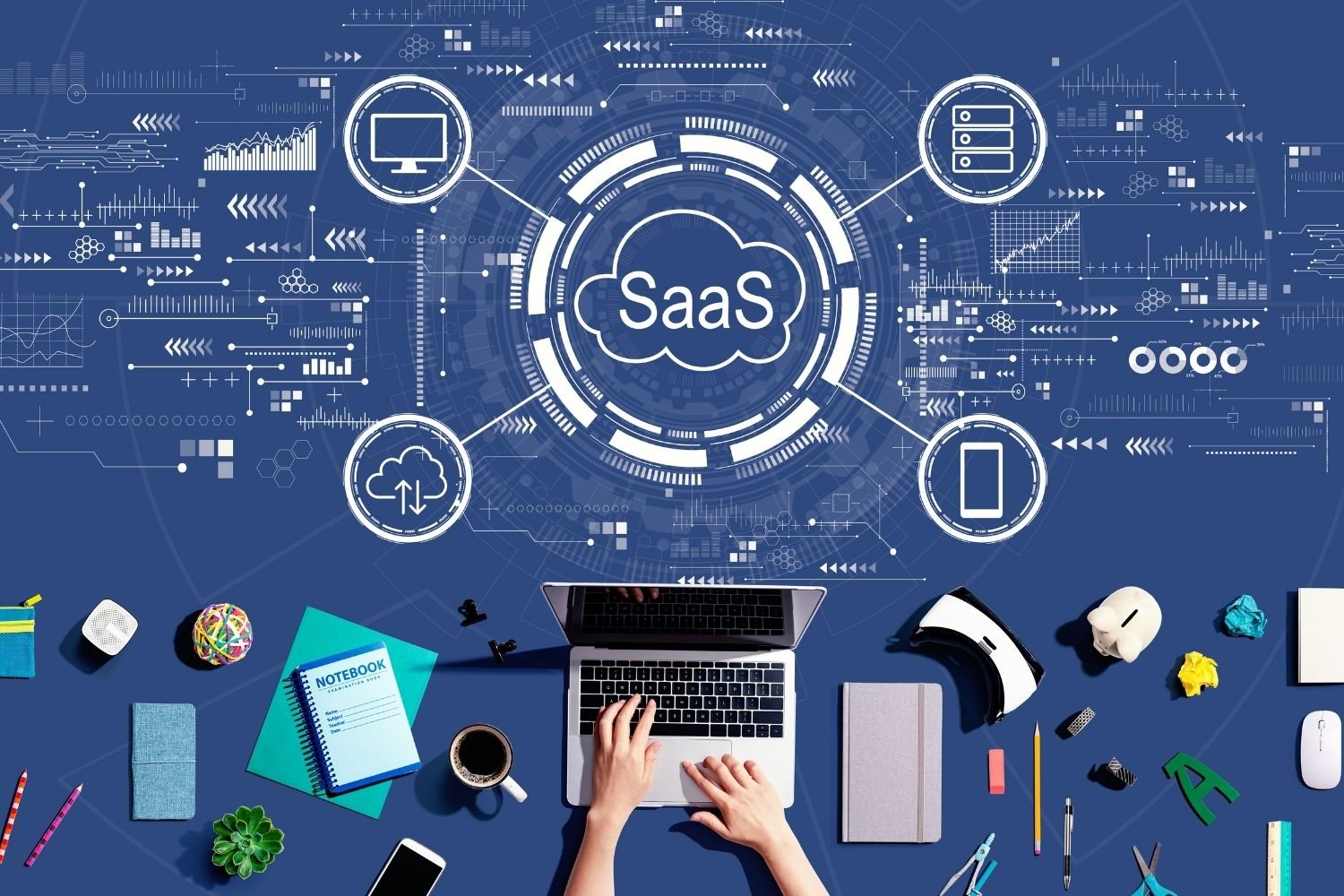
SaaS is a cloud-based software delivery model in which applications are hosted and maintained by a service provider. Users typically access the software through a web browser or dedicated application without needing to install and manage the underlying infrastructure themselves.
From email and project management to accounting, customer relationship management, communication, and design tools, SaaS has become an important part of modern digital life.
What Is SaaS?
SaaS stands for Software as a Service. Rather than purchasing software and installing it permanently on a computer or company server, users access SaaS applications through the internet.
The SaaS provider manages the servers, software, databases, security infrastructure, updates, and maintenance. Customers generally pay through a subscription, although some SaaS products also offer free plans or usage-based pricing.
For example, instead of buying a traditional software package, a company might subscribe to an online business application. Employees can then log in through their browsers and use the software from different devices.
This model makes software easier to access and can reduce the technical work required from customers.
How Does SaaS Work?
SaaS applications operate using cloud computing infrastructure. The provider hosts the application and its associated data on remote servers. Users connect to the service over the internet using a browser or app.
A simplified SaaS process looks like this:
- A provider develops and hosts an application.
- The application runs on cloud-based infrastructure.
- Customers create accounts or subscriptions.
- Users access the software through the internet.
- The provider handles updates, maintenance, and infrastructure.
- Customers continue using the service according to their subscription or usage plan.
Because the provider manages the technical infrastructure, customers usually do not need to worry about installing software updates or maintaining dedicated servers.
Common Examples of SaaS
SaaS is used across almost every industry. Common categories include:
- Communication: Email, video conferencing, and team messaging platforms.
- Project management: Tools for assigning tasks, tracking deadlines, and collaborating.
- Accounting: Online invoicing, bookkeeping, and financial management software.
- Customer relationship management: Platforms for managing leads, customers, sales, and support.
- Human resources: Software for recruitment, payroll, employee management, and benefits.
- Marketing: Email marketing, analytics, automation, and campaign management tools.
- Design: Browser-based applications for graphics, presentations, and collaborative design.
- File storage: Cloud services that allow users to store and access documents online.
These examples demonstrate why SaaS has become so popular among both individuals and organizations.
Key Features of SaaS
Several characteristics distinguish SaaS from traditional software.
Internet-Based Access
Most SaaS applications can be accessed through an internet connection. Users can often work from computers, tablets, or smartphones without installing the complete application locally.
Automatic Updates
The provider generally manages software updates. Customers do not have to manually download and install every new version.
Subscription Pricing
Many SaaS services use monthly or annual subscriptions. Some providers also offer free tiers, usage-based pricing, or customized plans for larger organizations.
Centralized Infrastructure
The provider operates the servers and infrastructure required to run the application. This can simplify management for customers.
Scalability
SaaS platforms can often accommodate changing requirements. Businesses may be able to add users, increase storage, or upgrade features as they grow.
Benefits of SaaS
SaaS offers several advantages, which explains its widespread adoption.
Lower Upfront Costs
Traditional software may require significant upfront spending for licenses, servers, and installation. SaaS can reduce these initial expenses by using subscription-based pricing.
Easy Deployment
A SaaS application can often be used shortly after an account is created. There may be no complicated installation process for every individual user.
Accessibility
Because applications are generally available online, employees can access them from different locations and devices, provided they have appropriate internet access and permissions.
Reduced Maintenance
The provider usually manages infrastructure, updates, patches, and many technical maintenance tasks. This can reduce the workload for an organization’s IT team.
Collaboration
Many SaaS applications are designed for multiple users. Teams can share files, communicate, edit documents, manage projects, and view information in a centralized environment.
Flexible Scaling
Businesses can often adjust their subscriptions as their needs change. This can be especially useful for growing companies.
Challenges and Disadvantages of SaaS
Despite its advantages, SaaS is not perfect.
Internet Dependency
Many SaaS applications rely heavily on internet connectivity. If a user’s connection is unavailable or unreliable, accessing the service may become difficult.
Recurring Costs
Subscription pricing can be affordable initially, but costs continue over time. Organizations should evaluate the long-term expense rather than looking only at the monthly price.
Data Security
Because data is stored and processed through a third-party provider, customers need to understand how their information is protected. Security practices, access controls, encryption, backups, and compliance should be considered when selecting a provider.
Vendor Dependence
Moving from one SaaS platform to another can sometimes be complicated. Businesses should consider data portability, integrations, and contract terms before committing to a service.
Limited Customization
Some SaaS products provide extensive customization, while others offer limited control compared with software hosted directly by an organization.
SaaS vs. Traditional Software
Traditional software is commonly installed and maintained on individual devices or company-controlled servers. The organization may be responsible for purchasing licenses, managing infrastructure, installing updates, and maintaining the software.
With SaaS, much of this responsibility shifts to the provider.
The SaaS model therefore emphasizes convenience, centralized management, and internet-based access. Traditional software may provide greater direct control in certain situations, but it can also require more technical resources.
The right choice depends on an organization’s requirements, budget, security needs, infrastructure, and operational goals.
SaaS and Cloud Computing
SaaS is closely connected to cloud computing, but the two terms are not identical.
Cloud computing refers broadly to the delivery of computing resources and services over the internet. These resources can include servers, storage, databases, networking, and software.
SaaS is one specific cloud service model focused on delivering software applications to users.
Other common cloud service models include Infrastructure as a Service (IaaS) and Platform as a Service (PaaS). SaaS generally sits at the application level, allowing customers to use software without managing most of the underlying infrastructure.
Why Businesses Use SaaS
Businesses adopt SaaS for many reasons. Startups can use cloud applications without building expensive IT infrastructure from scratch. Small businesses can gain access to sophisticated tools that might previously have been available mainly to larger organizations.
Larger companies can also use SaaS to support distributed teams, automate processes, improve collaboration, and connect different business functions.
For example, a company might use separate SaaS platforms for customer management, accounting, communication, marketing, and project management. Integrations between these systems can help information move between departments more efficiently.
The Future of SaaS
The SaaS industry continues to evolve alongside technologies such as artificial intelligence, automation, analytics, and cloud infrastructure.
Modern SaaS products increasingly include intelligent features that can help users analyze information, automate repetitive tasks, generate content, summarize data, or identify patterns.
Security is also becoming increasingly important. As organizations move more operations into cloud-based applications, providers are expected to invest heavily in identity management, data protection, monitoring, and compliance.
The future of SaaS will likely focus on greater automation, smarter applications, improved integration, and more personalized user experiences.
Frequently Asked Questions About SaaS
What does SaaS stand for?
SaaS stands for Software as a Service. It is a software delivery model where applications are hosted by a provider and accessed through the internet.
Is SaaS the same as cloud computing?
Not exactly. SaaS is a type of cloud service. Cloud computing is a broader concept that includes infrastructure, platforms, storage, computing resources, and software delivered through the cloud.
Do SaaS applications require installation?
Many SaaS applications can be accessed directly through a web browser. Some providers also offer desktop or mobile applications for additional convenience.
Is SaaS suitable for small businesses?
Yes. SaaS can be particularly useful for small businesses because it can provide access to professional software without requiring extensive infrastructure or technical maintenance.
How are SaaS applications paid for?
Many SaaS providers use monthly or annual subscriptions. However, pricing models vary and may include free plans, usage-based pricing, or customized enterprise agreements.
Conclusion
Software as a Service (SaaS) has transformed the way people and organizations use software. Instead of installing and maintaining applications locally, users can access cloud-hosted software through the internet while the provider manages much of the infrastructure and maintenance.